Combat prototype
A Unity prototype with combat mechanics inspired by The Last of Us, focusing on melee combat, targeting, AI encounters. The client provided 3D animations and assets; I implemented all underlying systems.
Key Contributions
- Implemented a third-person camera with targeting and tracking behavior.
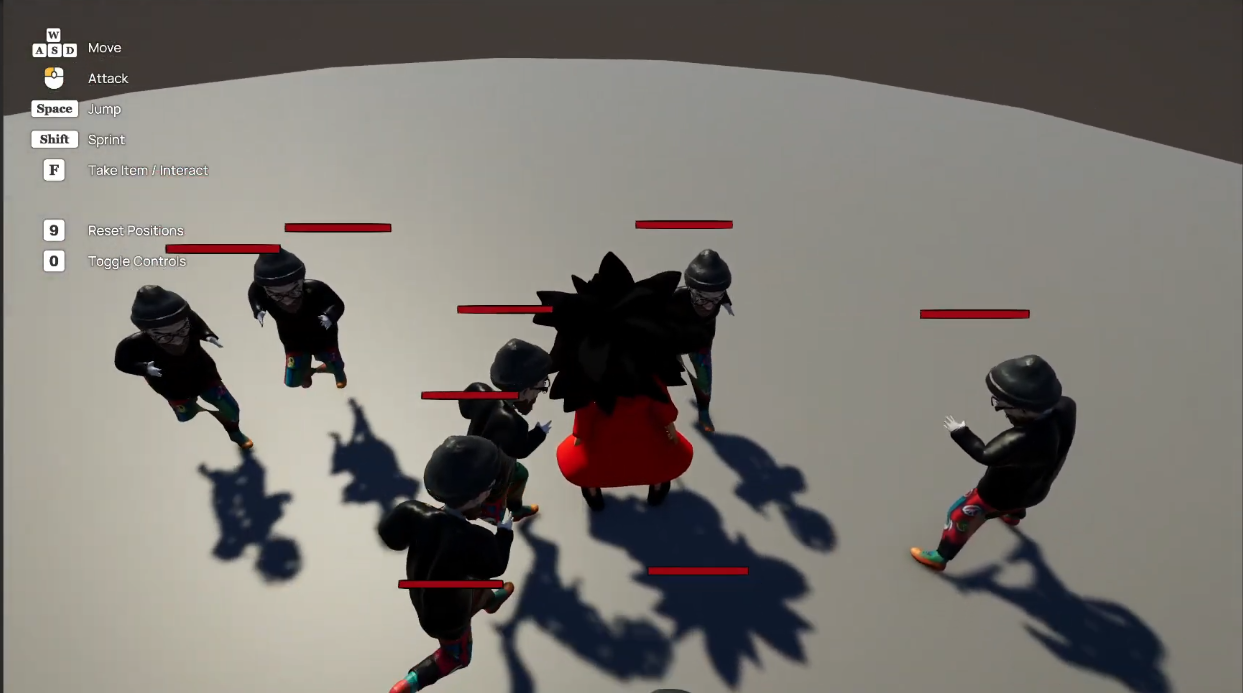
- Built a full combat system including attacks, hit detection, and reaction quick time events.
- Created enemy AI with patrol, detect, chase, and attack behaviors.
- Added a health and damage system for both player and enemies.
Combat System
The combat system used to be last of us inspired where there was a little more freedom in combat. You would have combos you can execute and it would utilize animation events for setting flags like: When the animation can be interrupt, when its too late to continue the combo, etc.
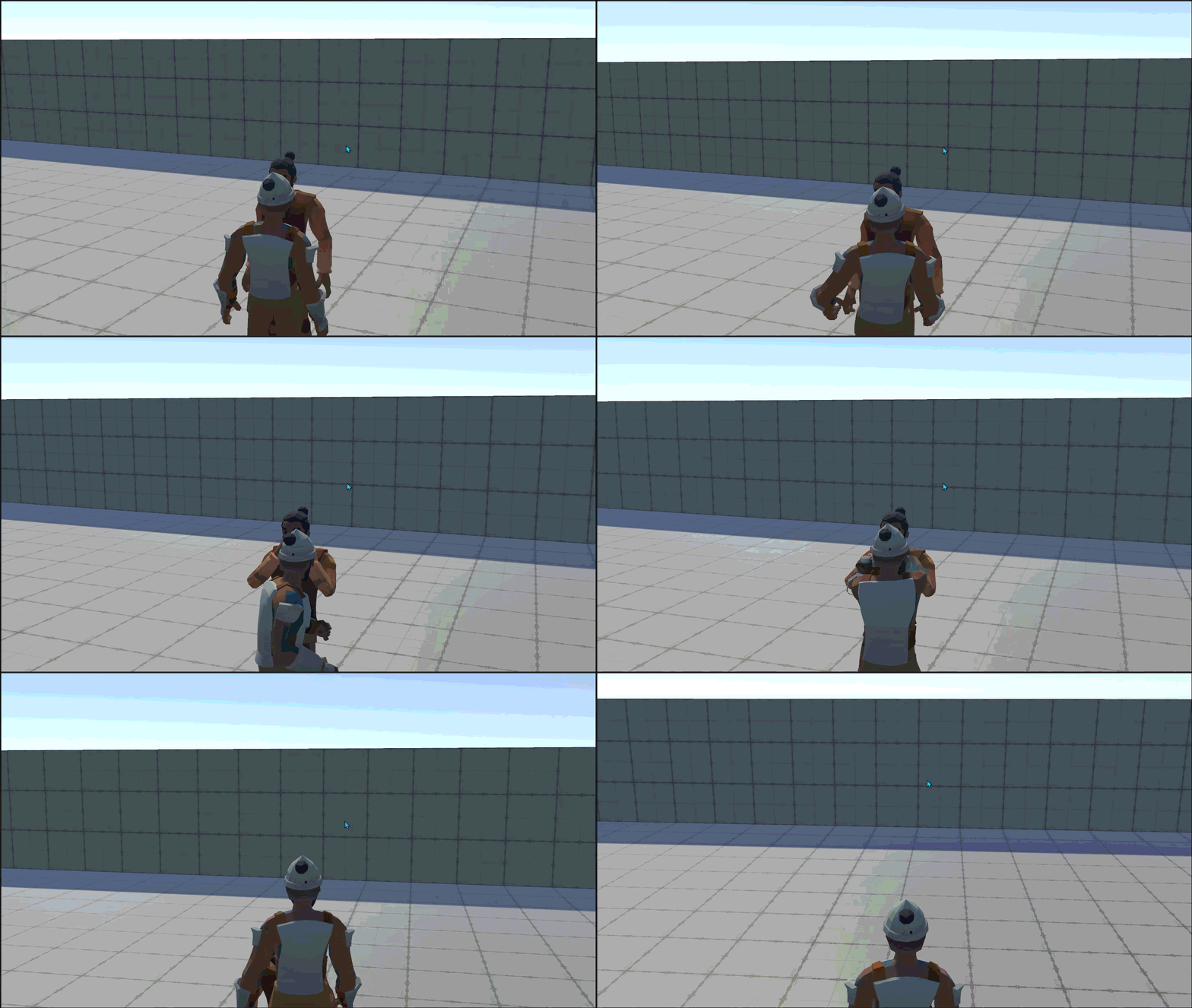
However the client later wanted it changed to be something akin to quick time events where if an enemy attacks you you have a small window of time to counter or dodge. You will see the button prompts appear when these actions can be performed. I had to tinker a lot with Unity’s animation graph and controller, tinkering with parameters and events in code
AI system
This was a quick and dirty solution as the primary focus was the combat but worth mentioning. It would utilize animation events to determine some states like stagger andLOS checks using a sphere cast to determine whether to aggro and chase the player.
Reaction Events
Once the enemy starts its attack we use animation events to instigate timers to determine the timing the player has to react to the attack. During this period we can also set the time dilation of the game to give the player a bigger chance to counter/dodge. We do this by adjusting the Time.timeScale when the animation event is instigated.
Movement System
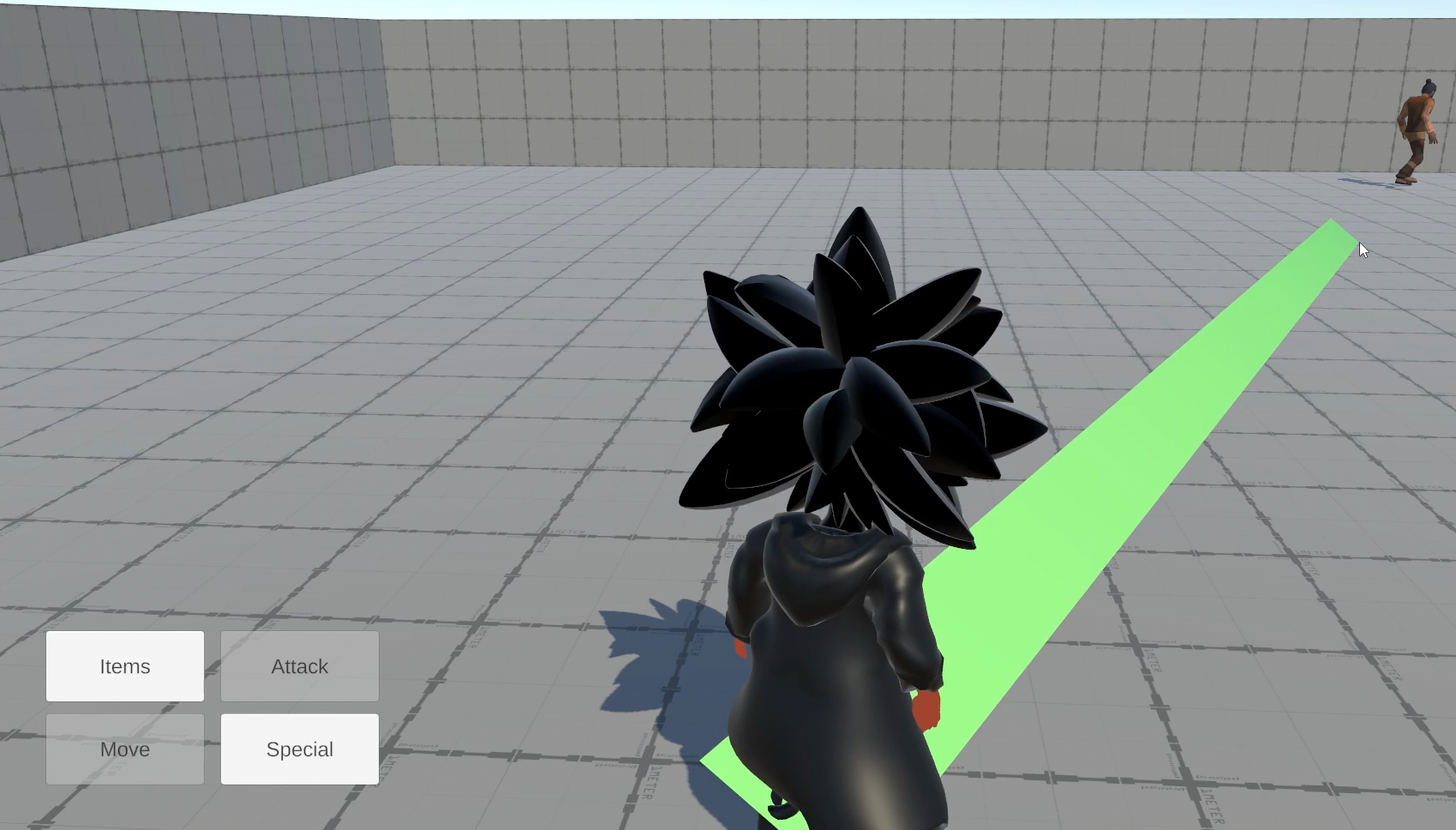
Originally the movement was more freeform with a third person camera that would either follow the movement of the character or when player input is detected give full orbit control of the camera to the player. The implementation here is a bit incomplete as it was later requested by the client to be changed to a pointy and click move system.
You would need to click move then It would create a path using unity line renderer system to show where the player would move. It would also change color depending whether the player will be detected by an enemy(red) or won’t(green).
Final Thoughts
The client had changed his mind on some features later in the project I had to modify some core gameplay elements and adapt the prototype. This was my first client as well which gave me some valuable experience in transcribing their ideas into functional code and keeping a solid line of communication and frequent delivery on progress, in order to act on their feedback.